Prices rechecked daily · 8 products tracked in this category
A keyboard is the thing you touch most on a desk, and the one where personal preference matters more than any spec sheet. What follows is what the terminology means, so you can tell what you are actually buying — not which one feels best, which nobody can tell you from a listing.
Mechanical switches are individually replaceable and loud-ish; membrane is quieter, mushier and cheaper; scissor-switch is the flat laptop-style feel. Colour names — red, brown, blue — are a rough industry convention: red is smooth, brown is bumpy, blue is bumpy and clicky.
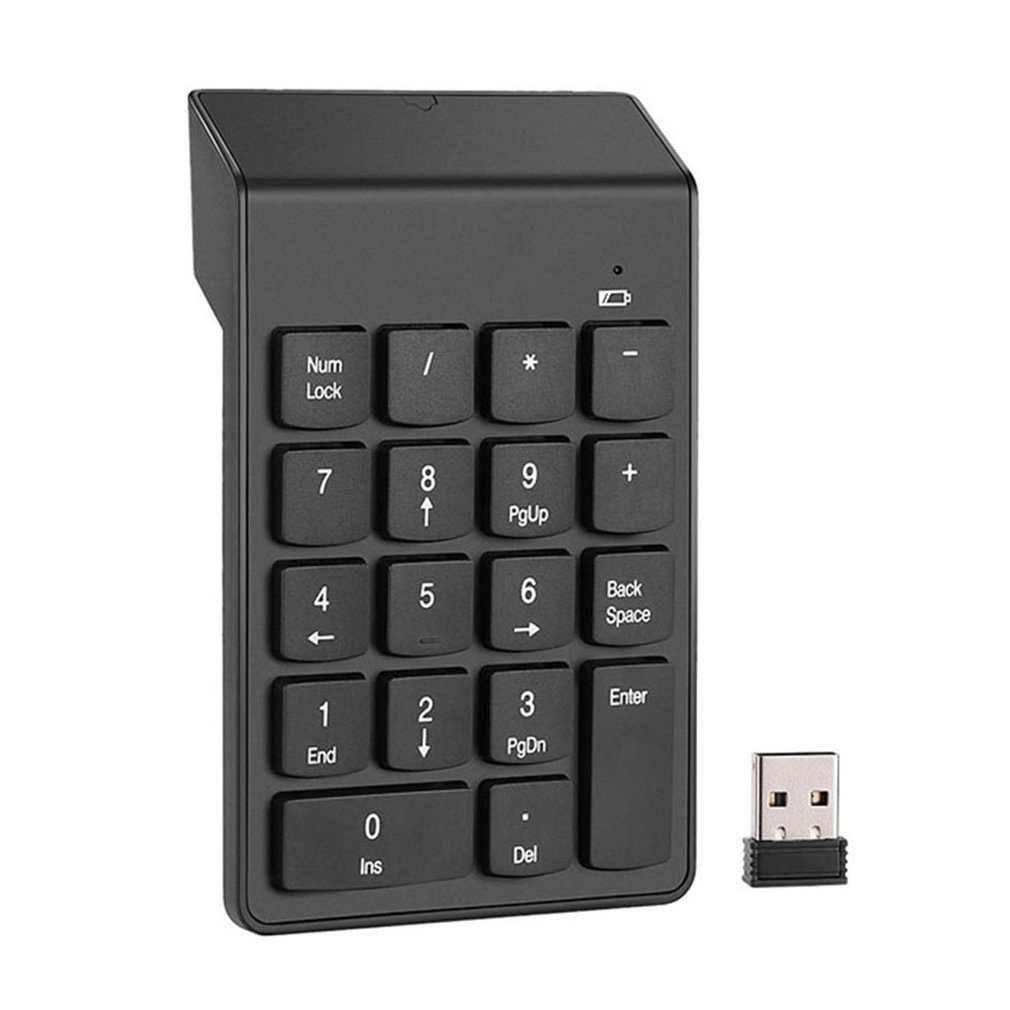
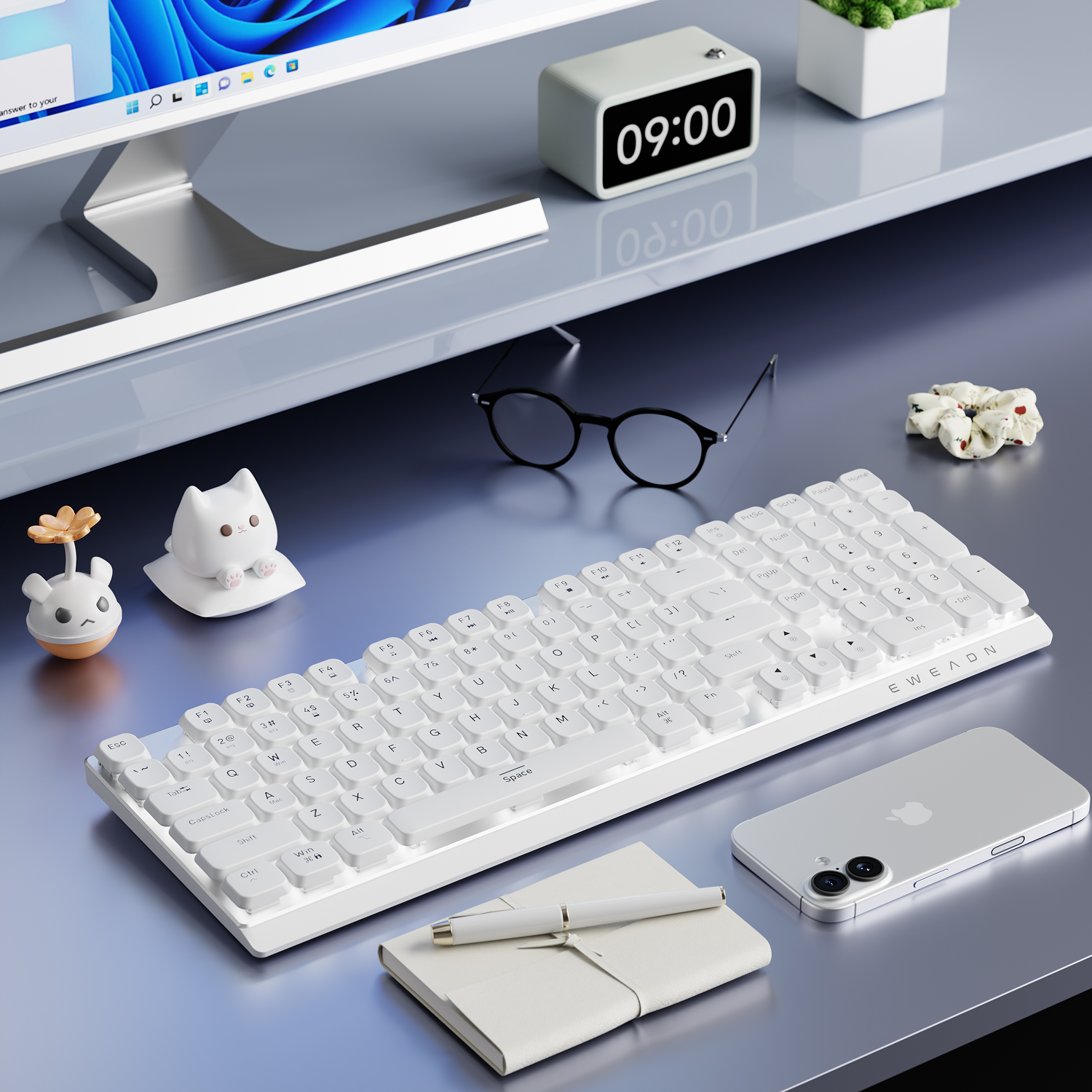
60% drops the function row, arrows and number pad. TKL (tenkeyless) keeps arrows and function row, drops the number pad. Full-size keeps everything. If you type numbers regularly, a 60% will frustrate you daily.
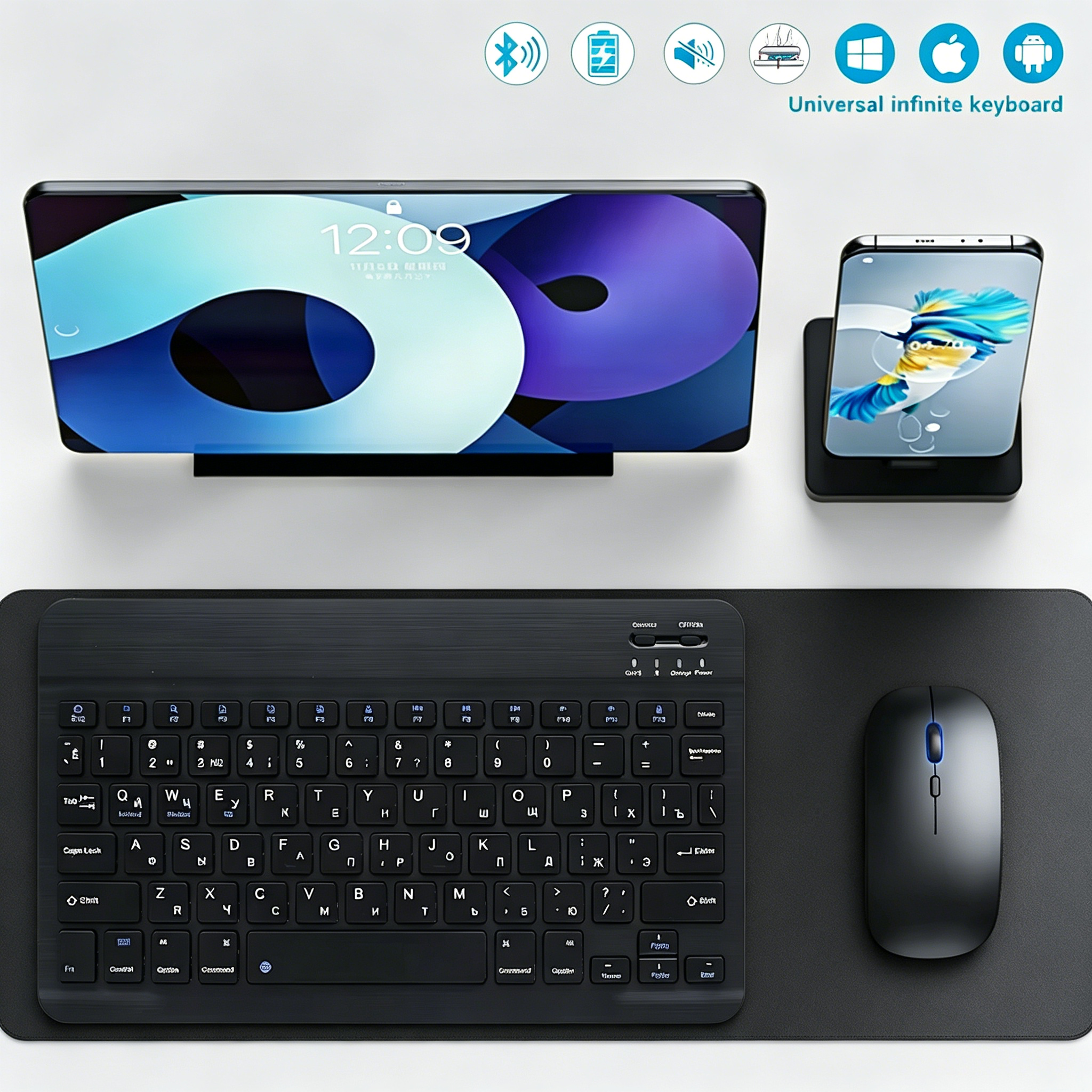
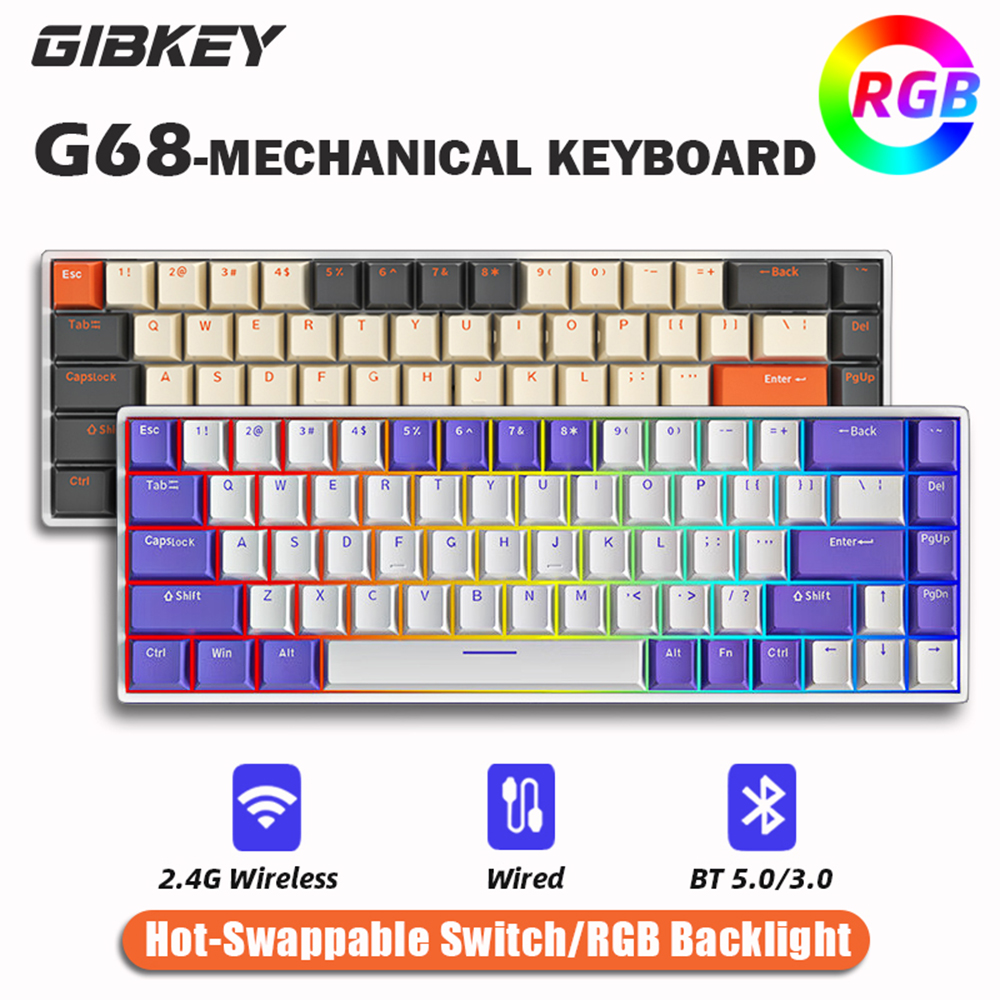
A 2.4GHz dongle has lower latency and needs a free USB port. Bluetooth frees the port and usually pairs with several devices, at slightly higher latency. 'Tri-mode' means wired, 2.4GHz and Bluetooth in one.
ABS is cheaper and develops a shine where your fingers land, usually within months. PBT resists that. At this price ABS is the default unless the listing specifically says PBT.
'Hot-swappable' means you can change switches without soldering. It matters only if you intend to; if you do not, it is not worth paying for.
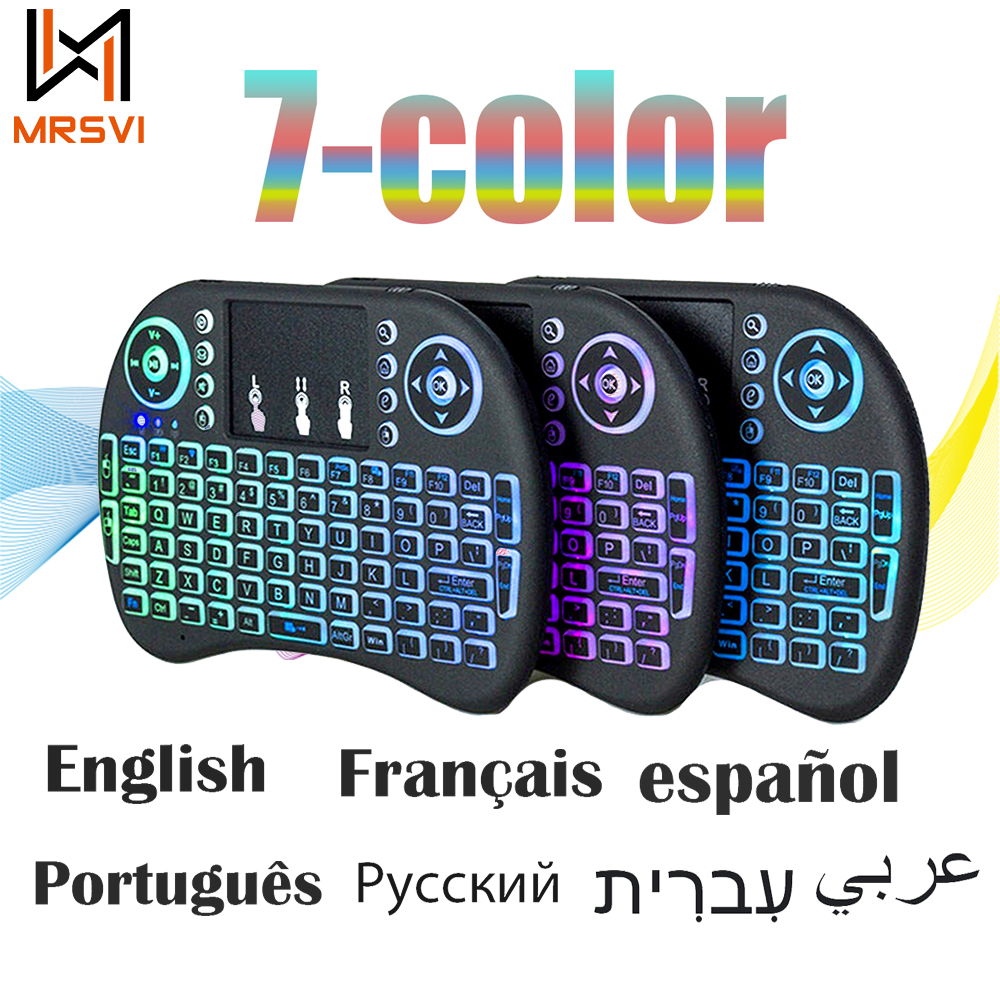
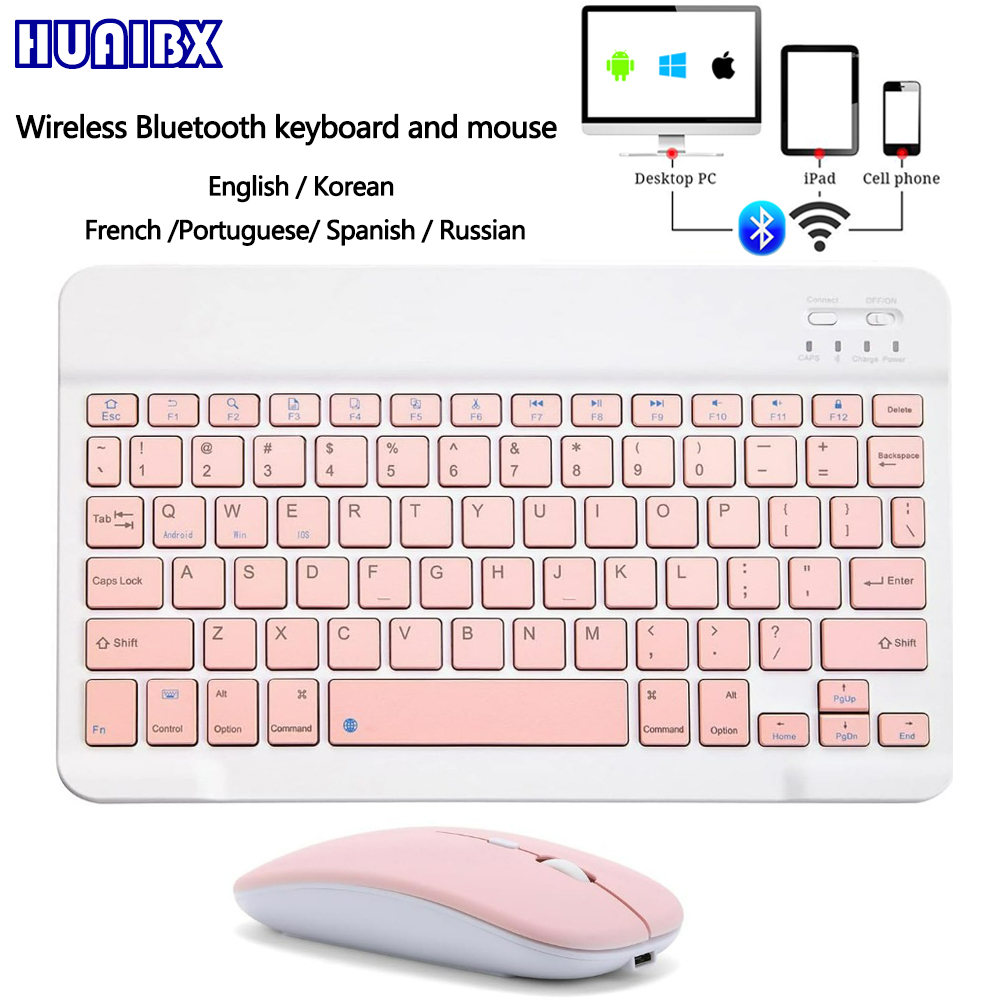
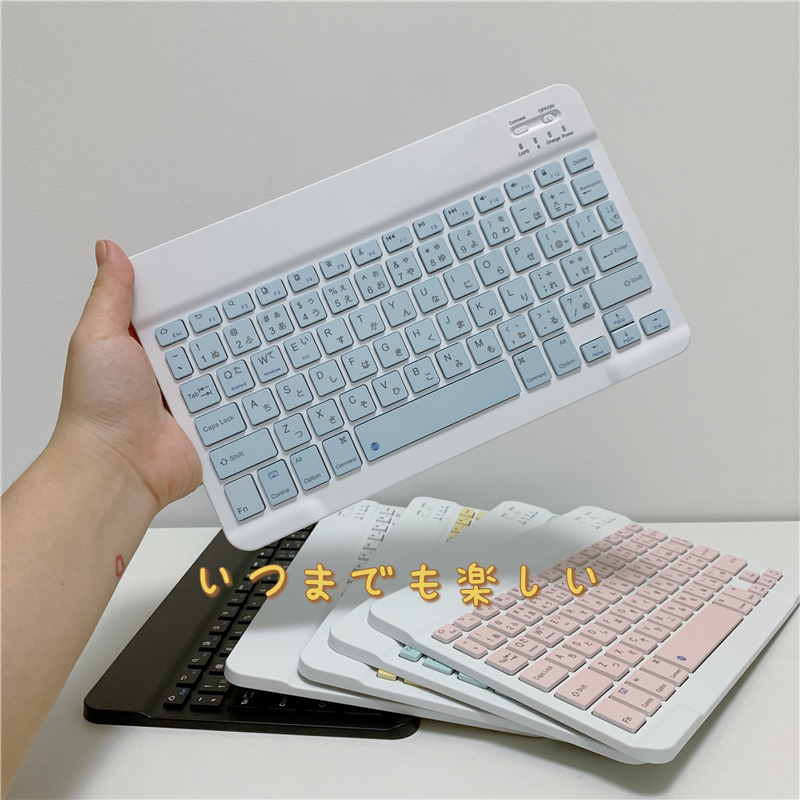
Many listings ship US layouts regardless of the photo. If you need a UK, AZERTY or QWERTZ layout, confirm it in the variant list, not the images.
Keyboards under $50 currently run from $5.84 to $48.64, with most sitting around $14.39. Paying more inside that range usually buys better materials or an extra feature, not a fundamentally different product. 1 of the ones below is at the cheapest we have seen it go.
One thing worth knowing: the price shown on a listing is normally for its cheapest variant, while the photo often shows a higher-specified one. Select the option you actually want before judging the price.
Searches for keyboards return a lot of keycap sets and single switches at prices that look too good. They are — you are buying plastic caps, not a keyboard.
Some listings describe a 2.4GHz dongle keyboard as wireless without mentioning that it cannot pair with a phone or tablet. If Bluetooth matters, the listing must say Bluetooth.
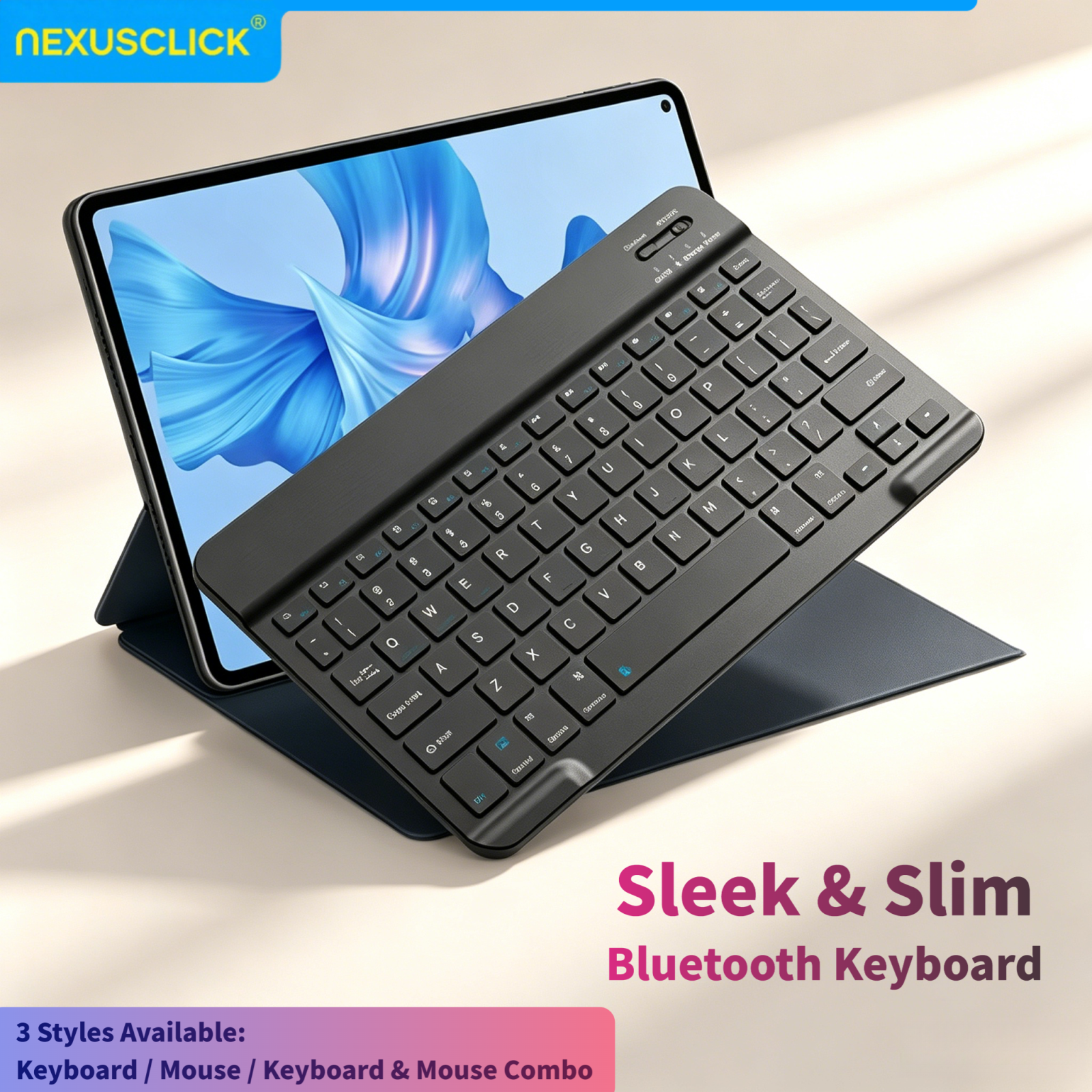
Most deals in this category are Bluetooth — they pair with phones, tablets, and laptops. Check the listing for the exact connection type.
If it's Bluetooth, yes — any device with Bluetooth can pair. Windows, macOS, Android, and iOS all work.
Sorted cheapest first. Each links through to its full price history.