Prices rechecked daily · 4 products tracked in this category
A monitor arm buys back desk space and lets you put a screen at the height your neck actually wants. The specifications that matter are mechanical and unambiguous — weight, VESA pattern, clamp thickness — which makes this an easier category to buy in than most, provided you measure first.
The rating is per arm and refers to the screen alone, without its original stand. Your monitor's manual lists 'weight without stand'. Gas-spring arms also have a MINIMUM weight — too light a screen will not stay down.
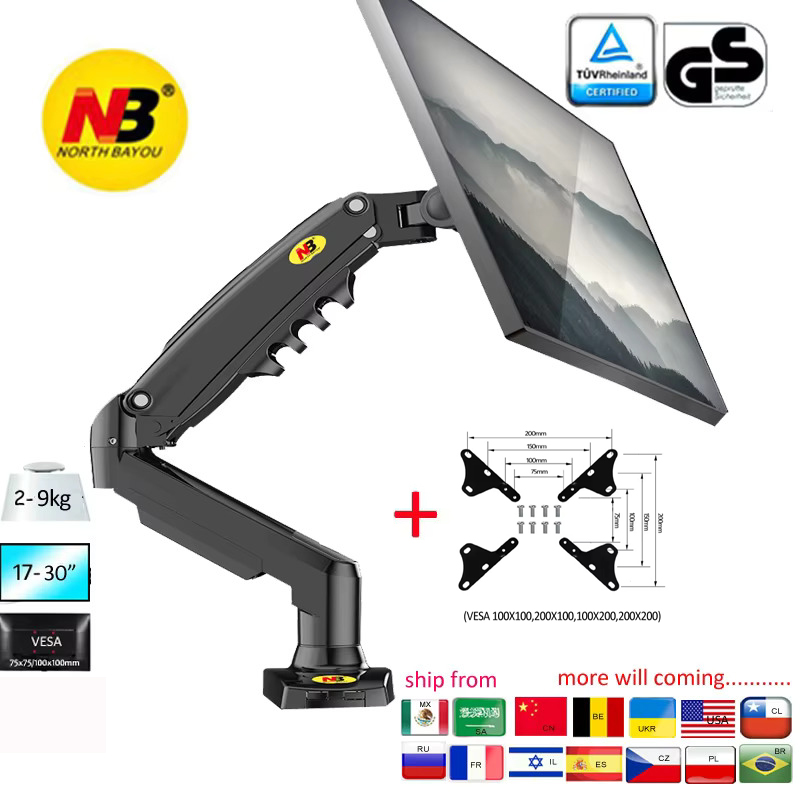
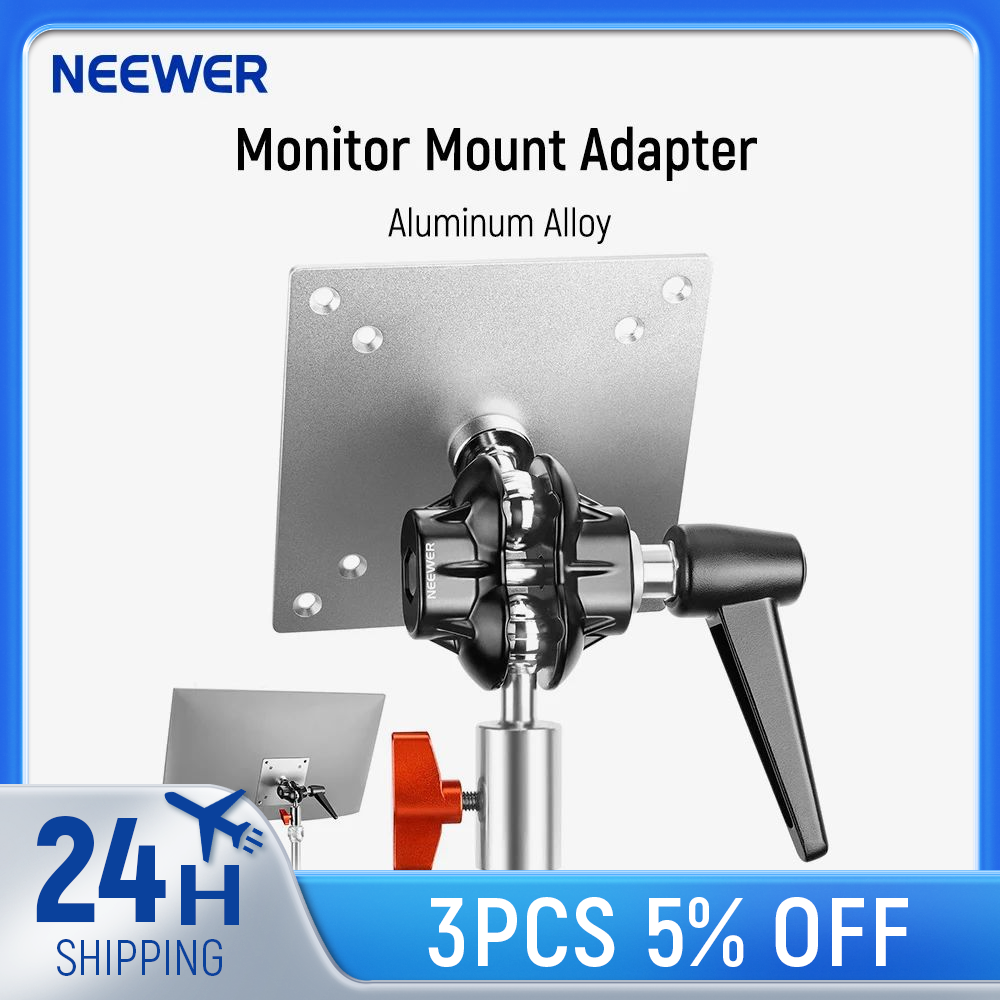
Measured in millimetres between the four screw holes on the back. Most monitors under 32 inches are 100x100. Some have no VESA holes at all, which no arm can fix without an adapter plate.
A clamp grips the desk edge and needs an overhang, usually up to 8cm thick. A grommet mount goes through an existing hole. Measure your desk thickness before ordering; this is the most common reason an arm gets returned.
Gas springs adjust smoothly with one hand and hold position. Mechanical spring arms are cheaper and stiffer, and usually need two hands and a knob.
A clamp on a thin or hollow desk can bow the surface over time. Solid wood and thick laminate are fine; a 15mm particleboard top with a 6kg screw-down load is not.
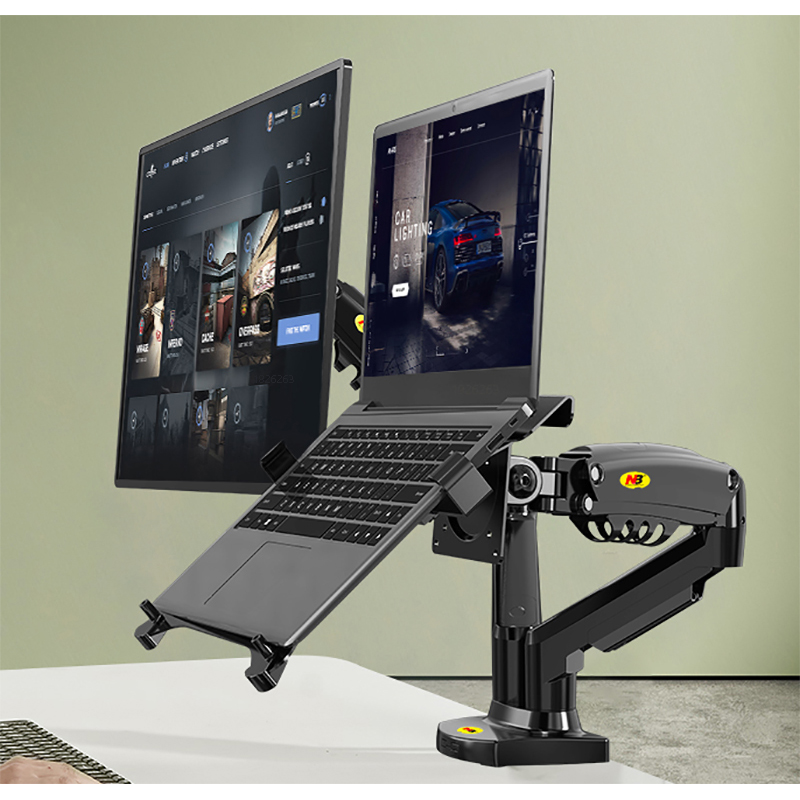
Arms with internal channels keep the cable out of sight. It is cosmetic, but it is the reason most people buy an arm in the first place.
Monitor Arms under $50 currently run from $11.21 to $44.20, with most sitting around $29.85. Paying more inside that range usually buys better materials or an extra feature, not a fundamentally different product. 1 of the ones below is at the cheapest we have seen it go.
One thing worth knowing: the price shown on a listing is normally for its cheapest variant, while the photo often shows a higher-specified one. Select the option you actually want before judging the price.
Searching for 'monitor mount' returns a lot of phone clamps and tripod adapters at very low prices. The weight rating gives them away: under 2kg means it is not for a monitor.
A dual arm rated '19.8 lbs per screen' means per screen, not total — but some listings state a combined figure. If the number looks generous for the price, check which it is.
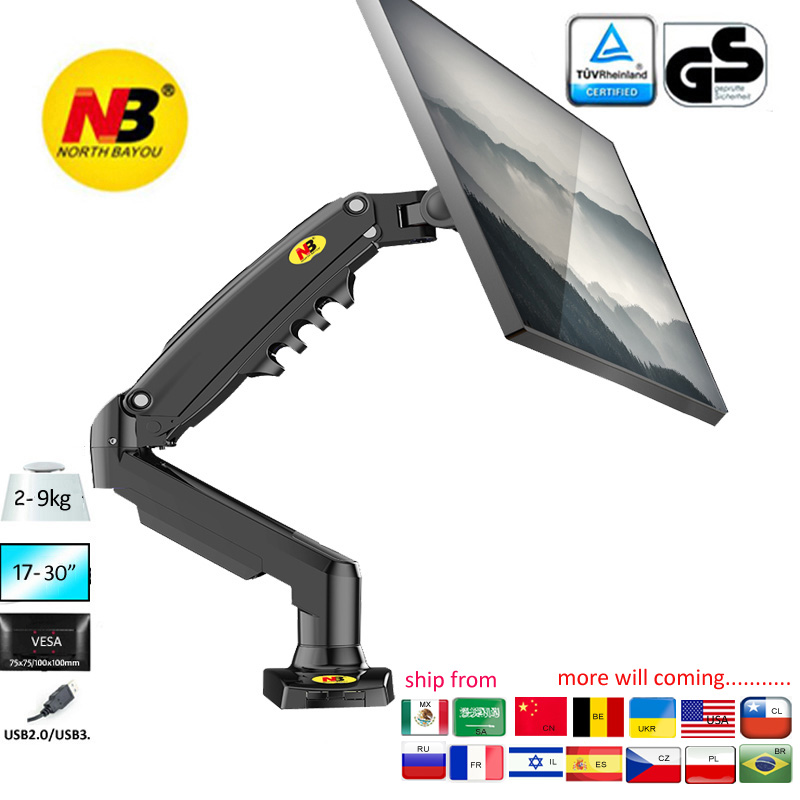
Most arms support VESA mounts (75×75 or 100×100mm). Check your monitor's VESA pattern and weight — most arms handle 2-8kg.
Yes — c-clamp mounts attach to the desk edge with a screw, no drilling. Grommet mounts need an existing cable hole.
Sorted cheapest first. Each links through to its full price history.