Prices rechecked daily · 25 products tracked in this category
A USB-C hub turns one port into several. That is the entire job, and it is where most of the confusion in this category comes from: the word 'hub' is attached to adapters, splitters and power bricks that do something quite different. Below is what the specifications actually mean, what our price tracking has seen, and the specific ways these listings mislead.
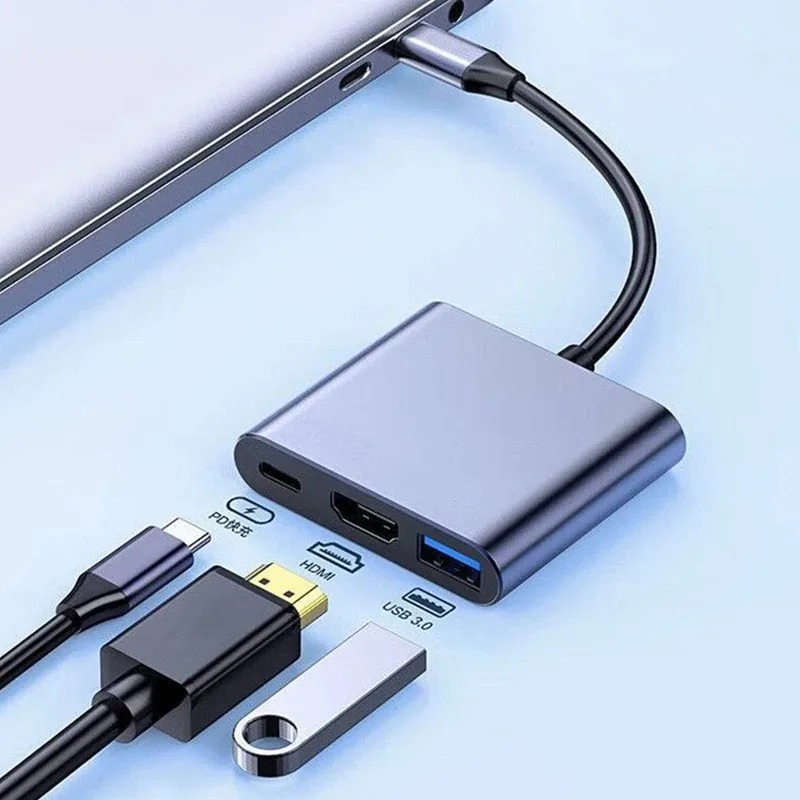
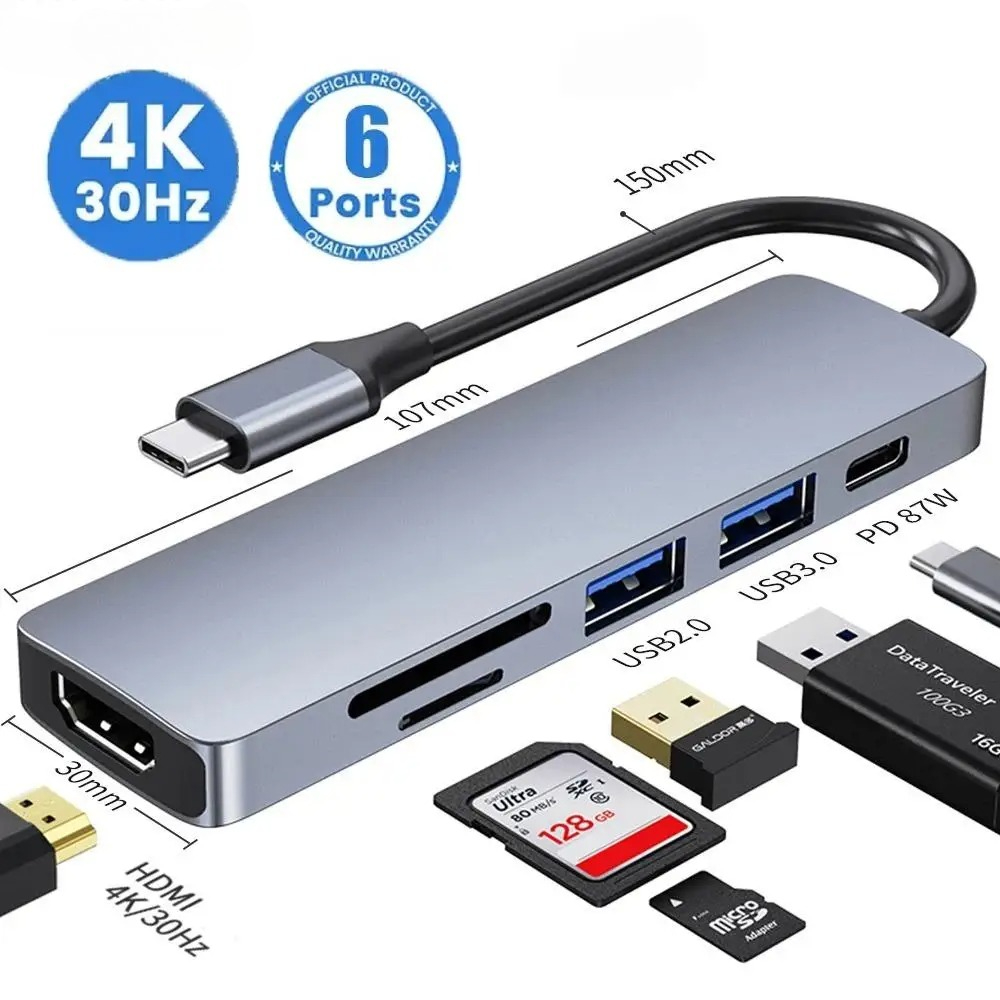
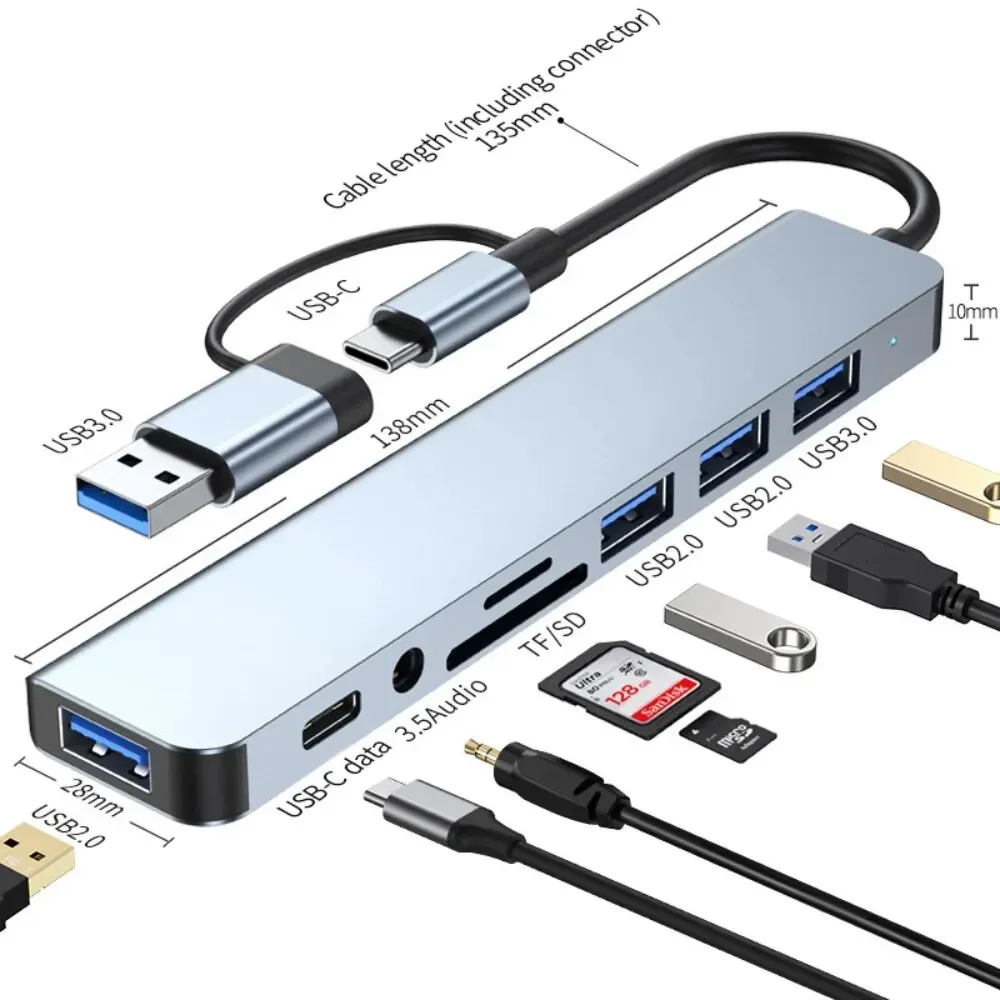
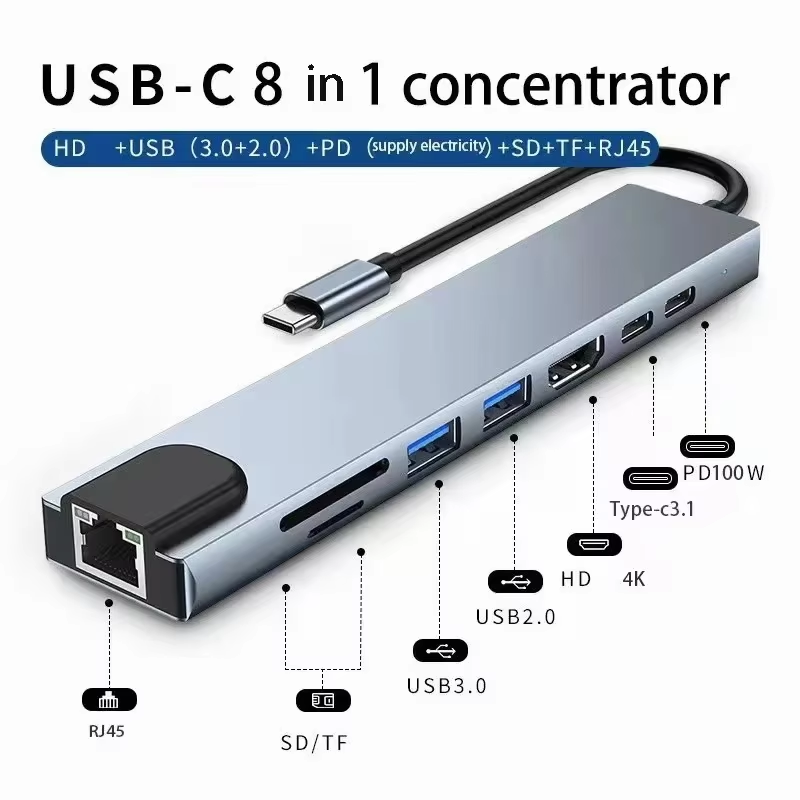
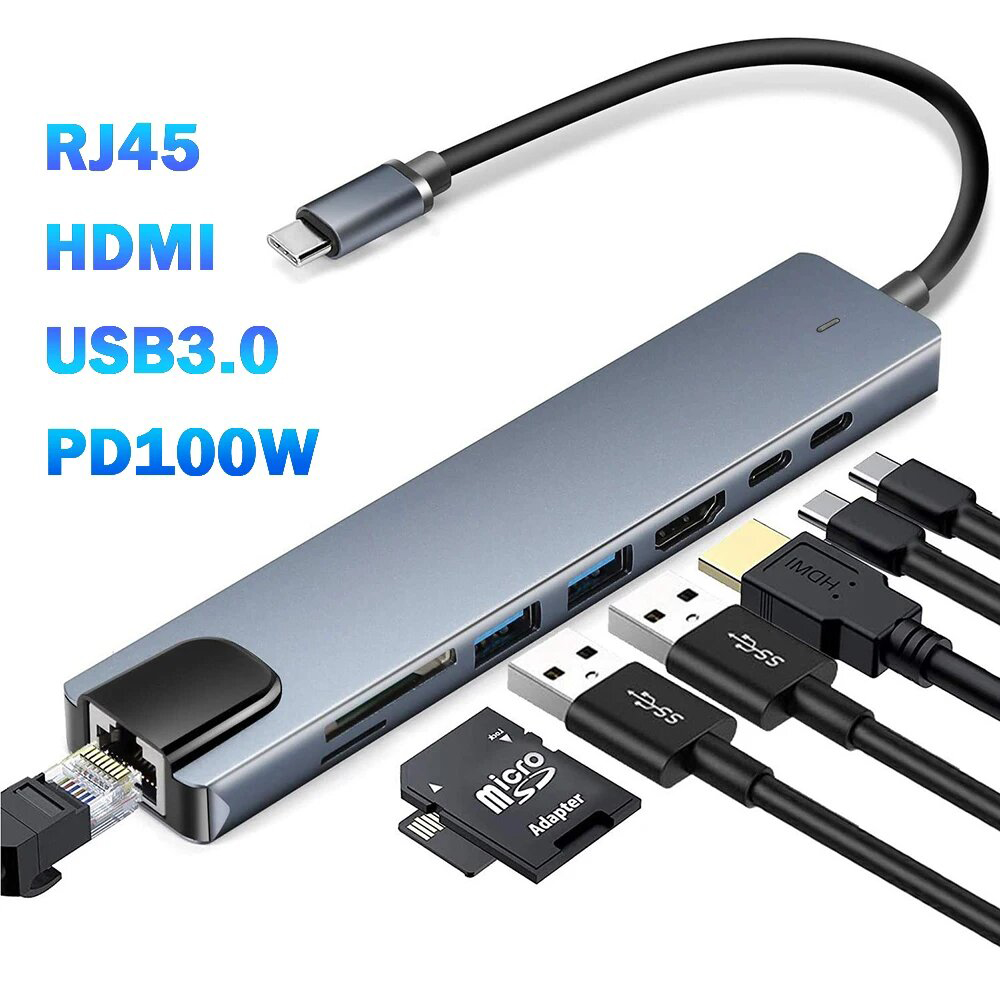
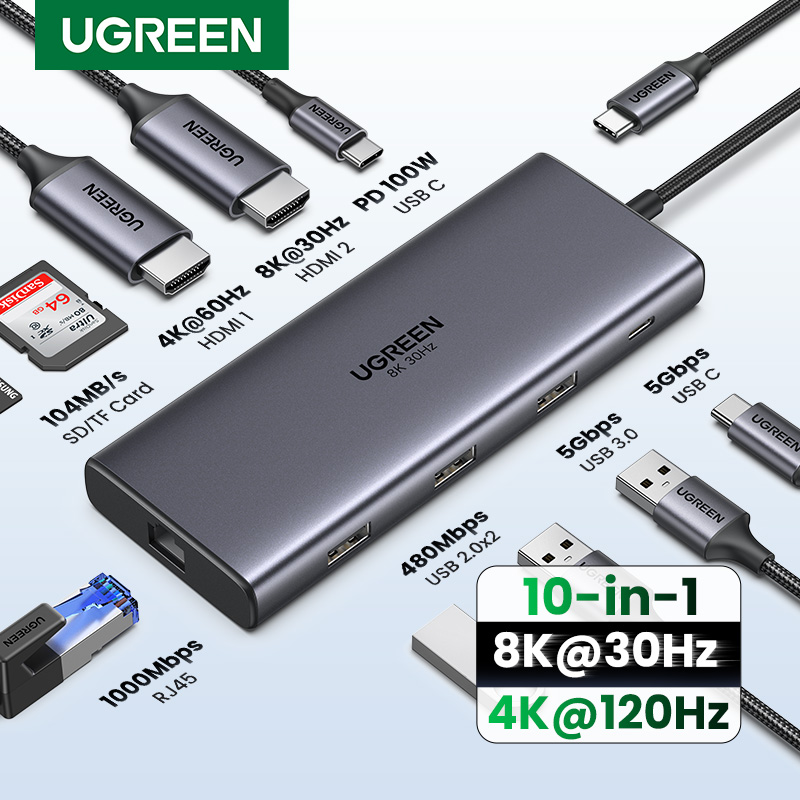
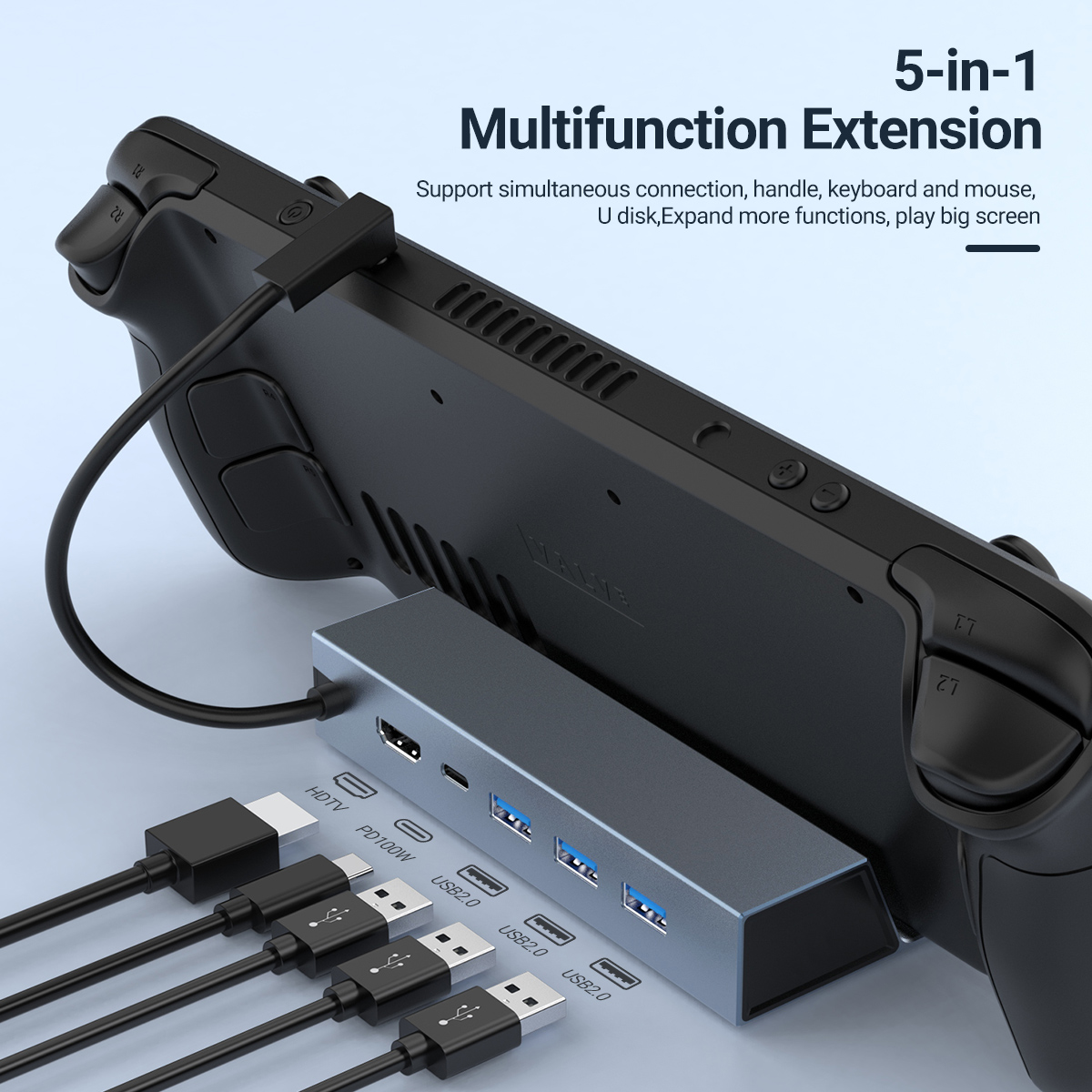
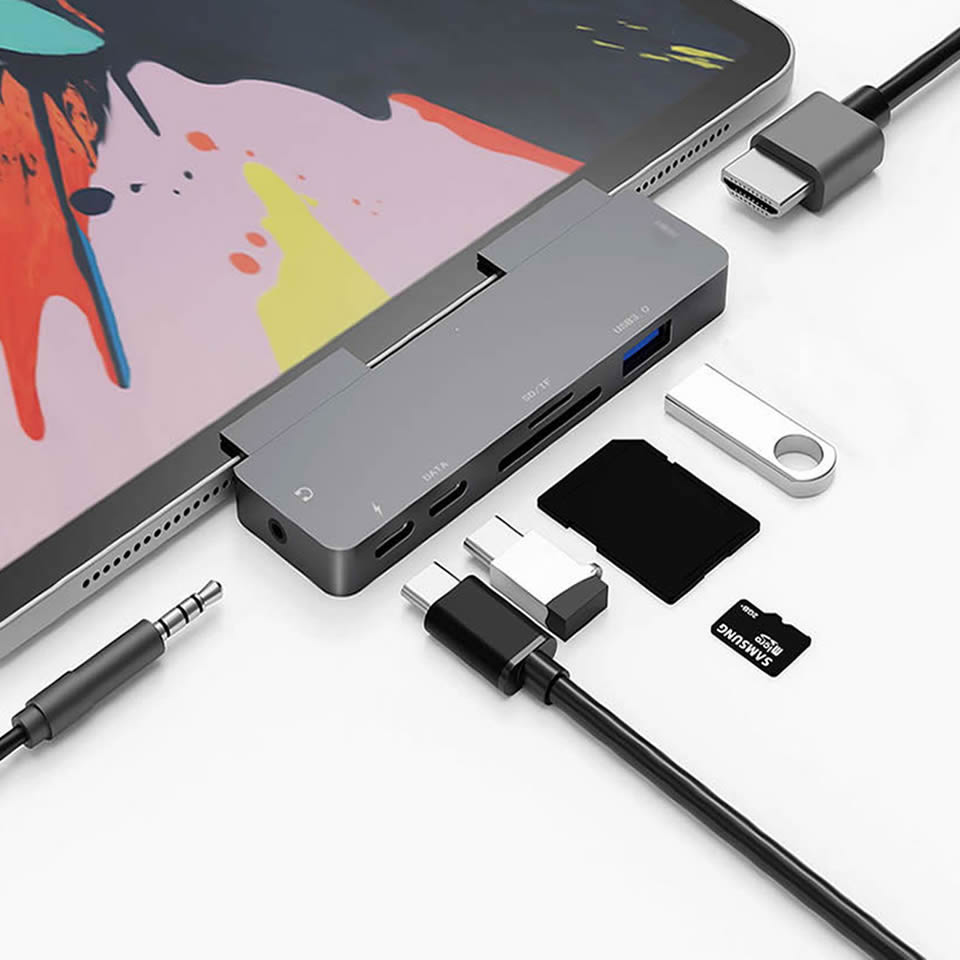
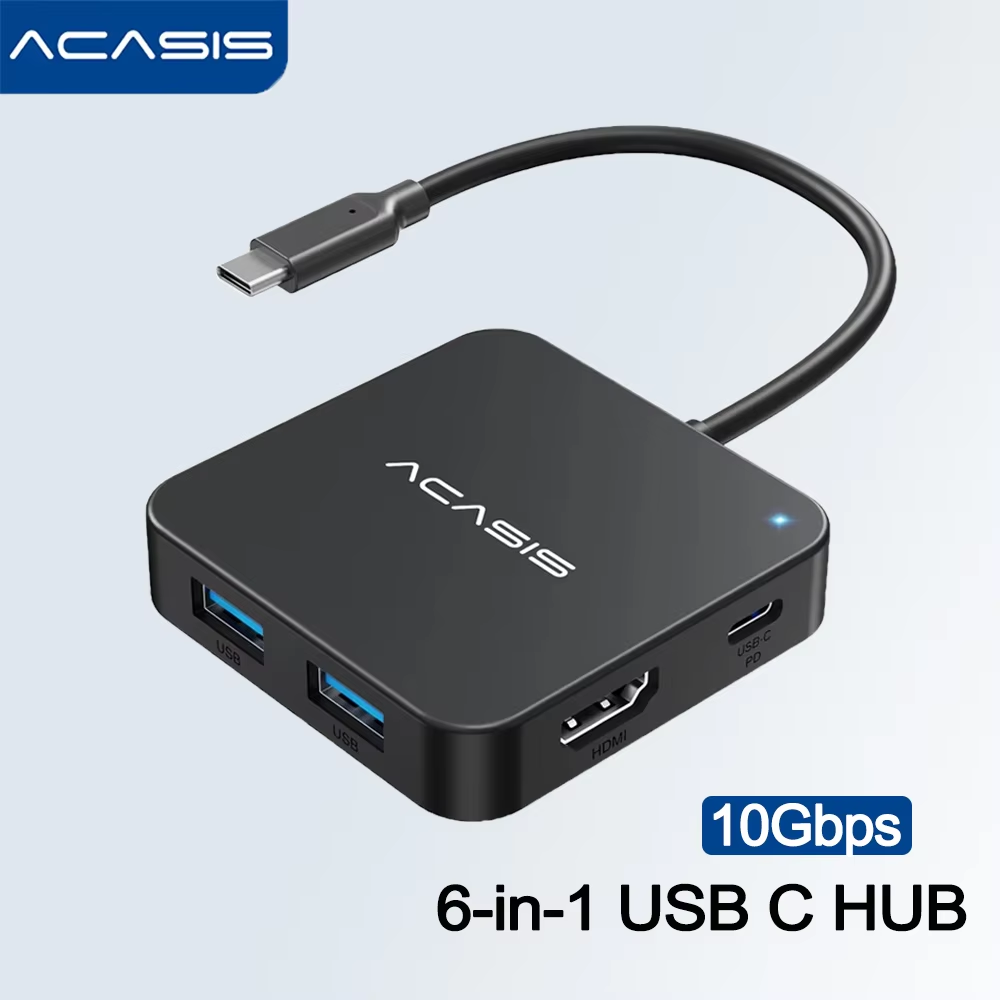
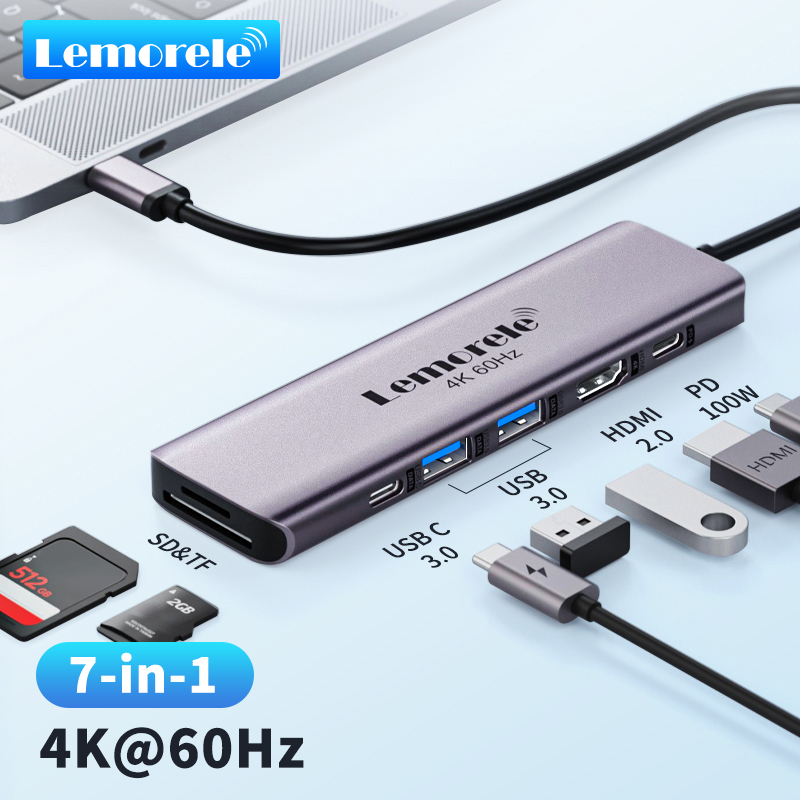
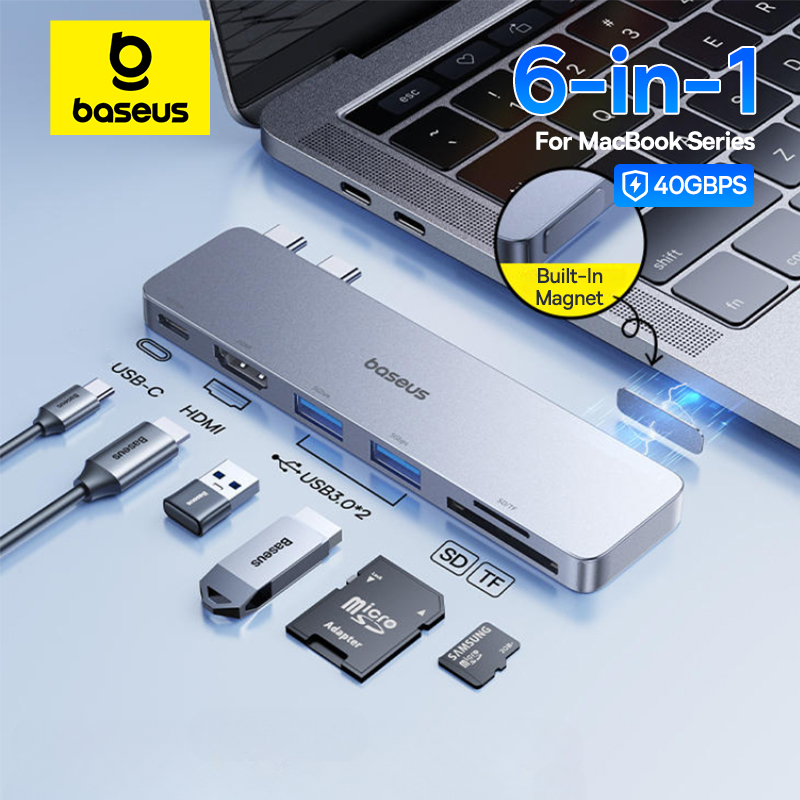
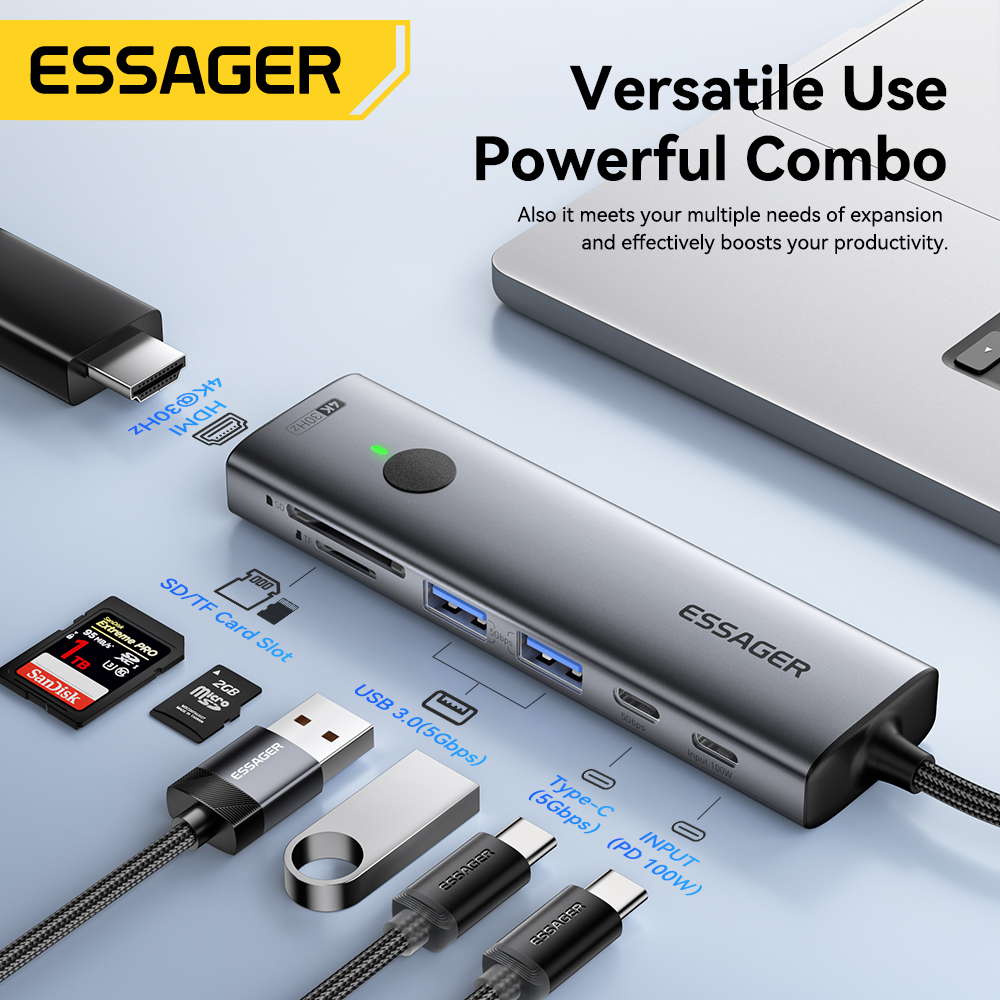
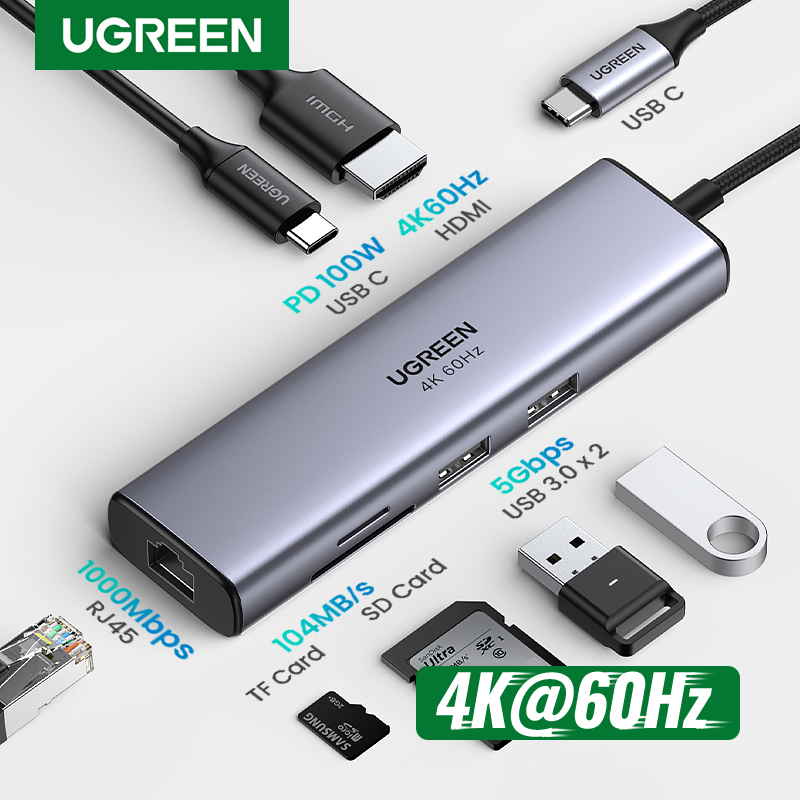
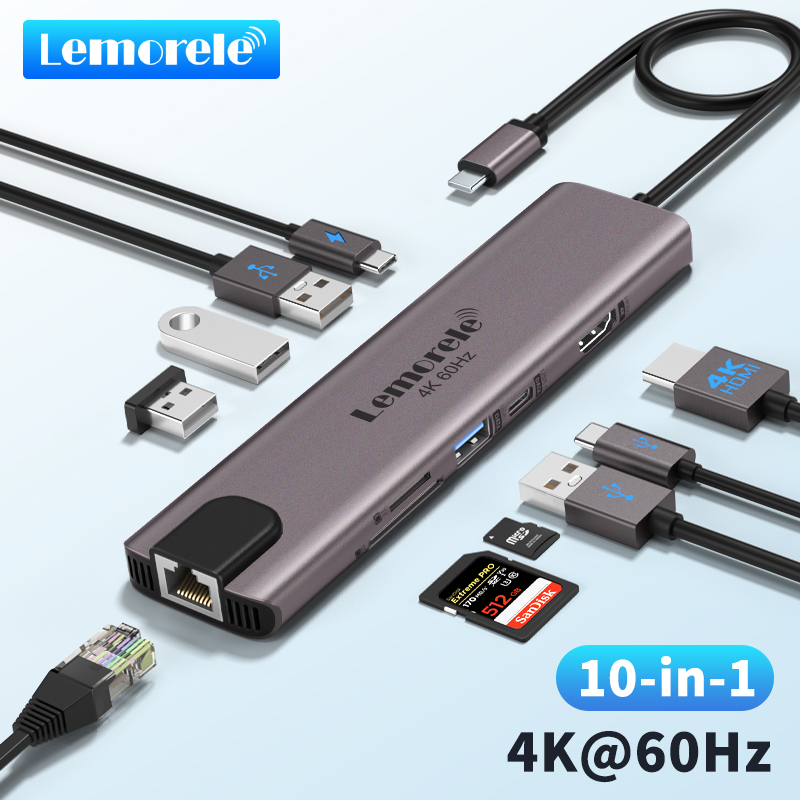
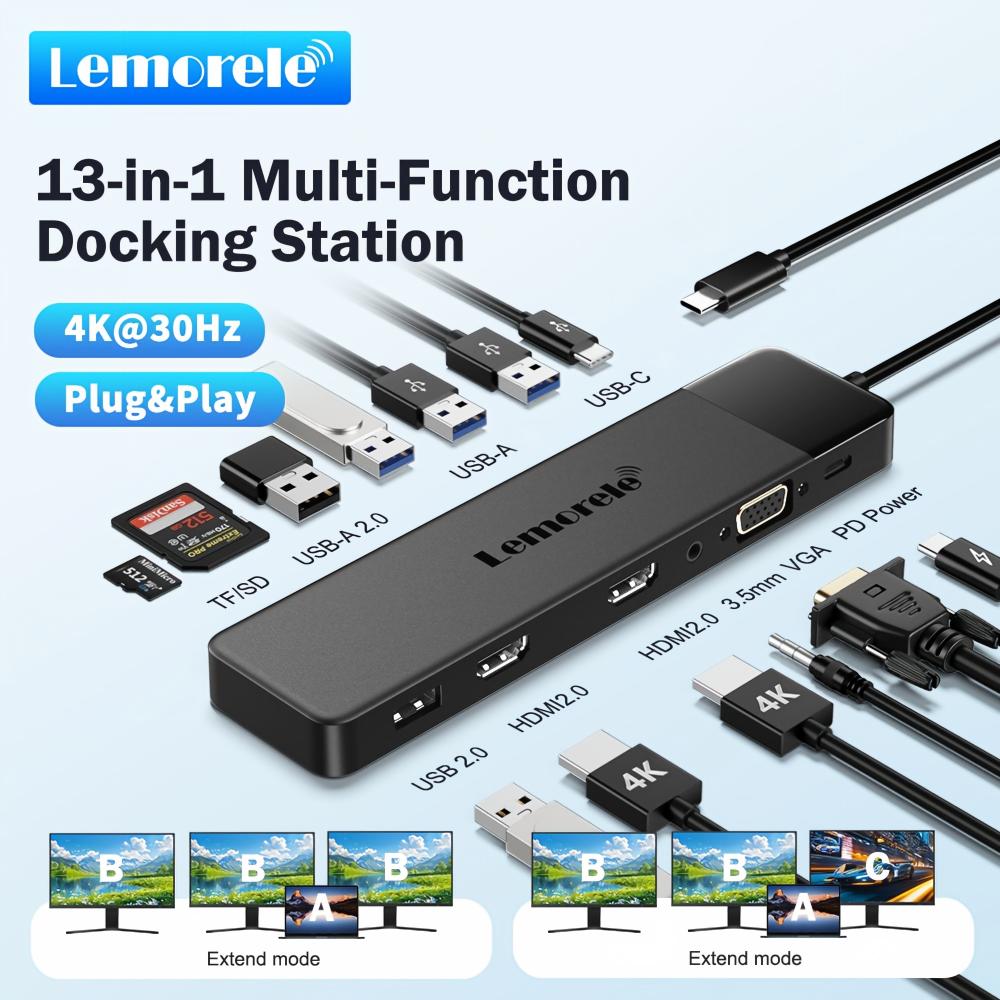
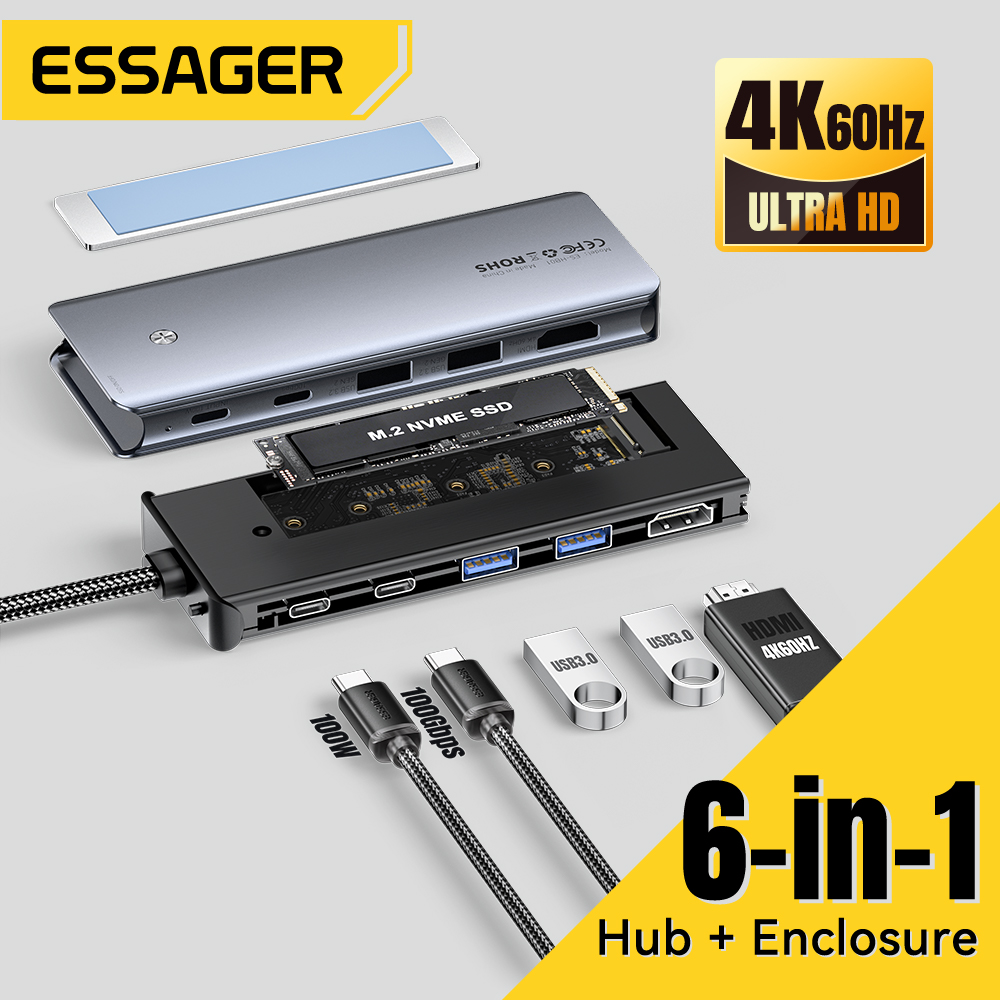
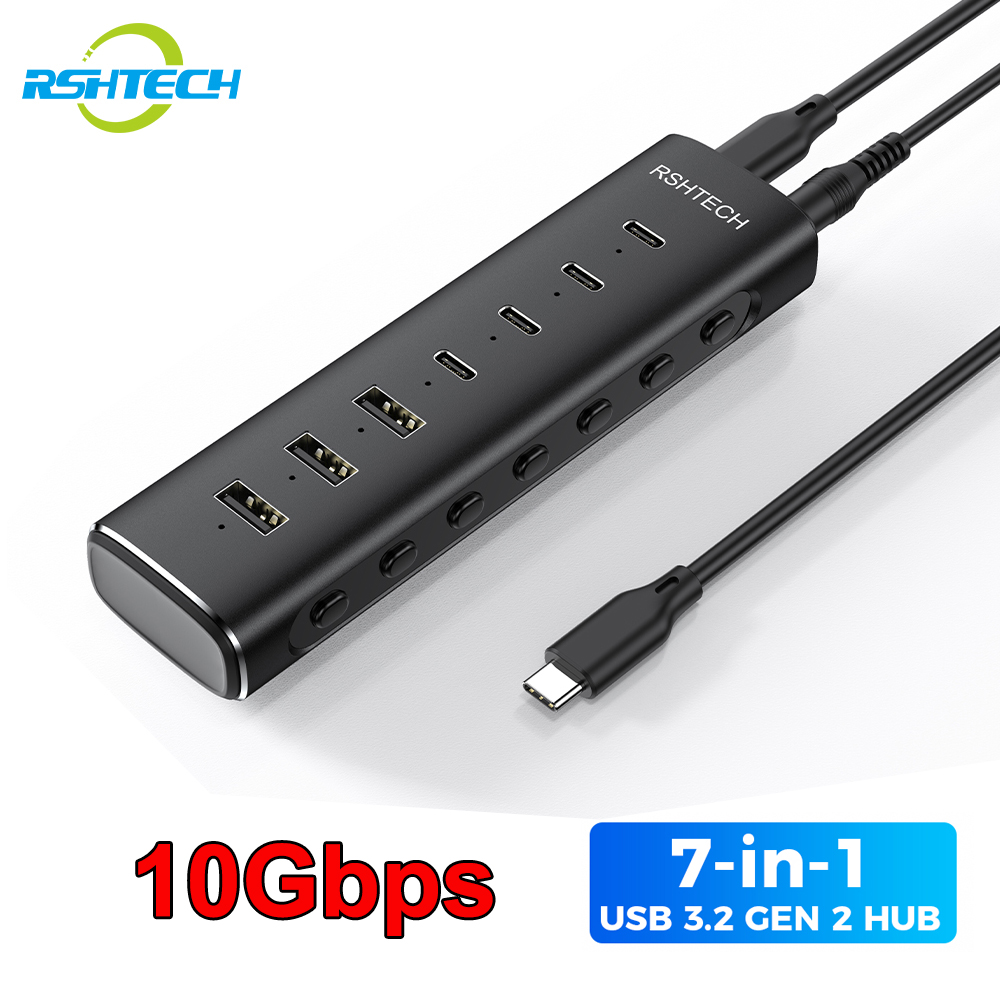
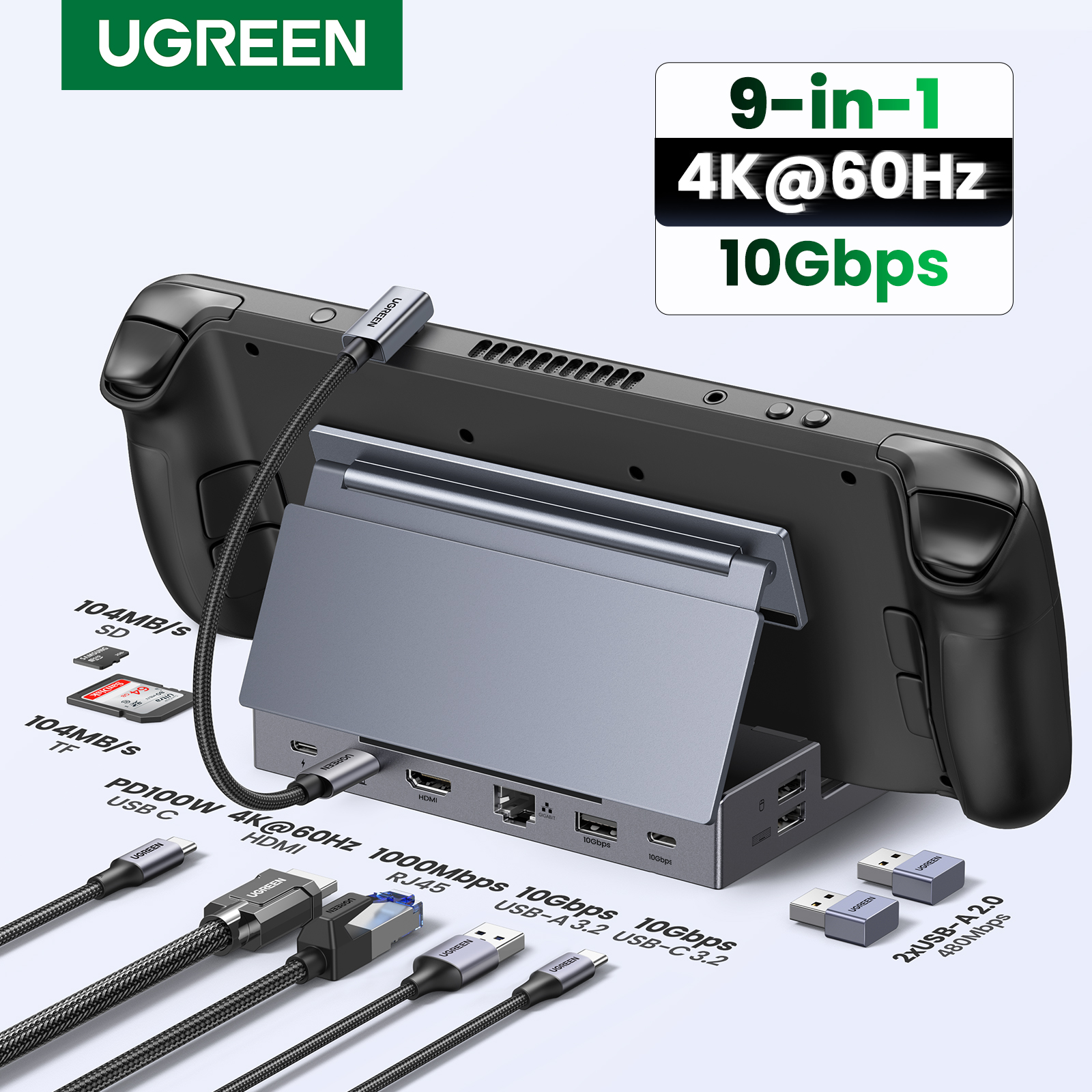
'8-in-1' counts every connector including the one that plugs into your laptop, and sometimes counts a single USB-C port twice — once for data and once for charging. Read the port list, not the headline.
4K@30Hz is common at this price and is visibly choppy for a mouse pointer, though fine for video. 4K@60Hz needs HDMI 2.0 and costs more. If a listing says only '4K', assume 30Hz.
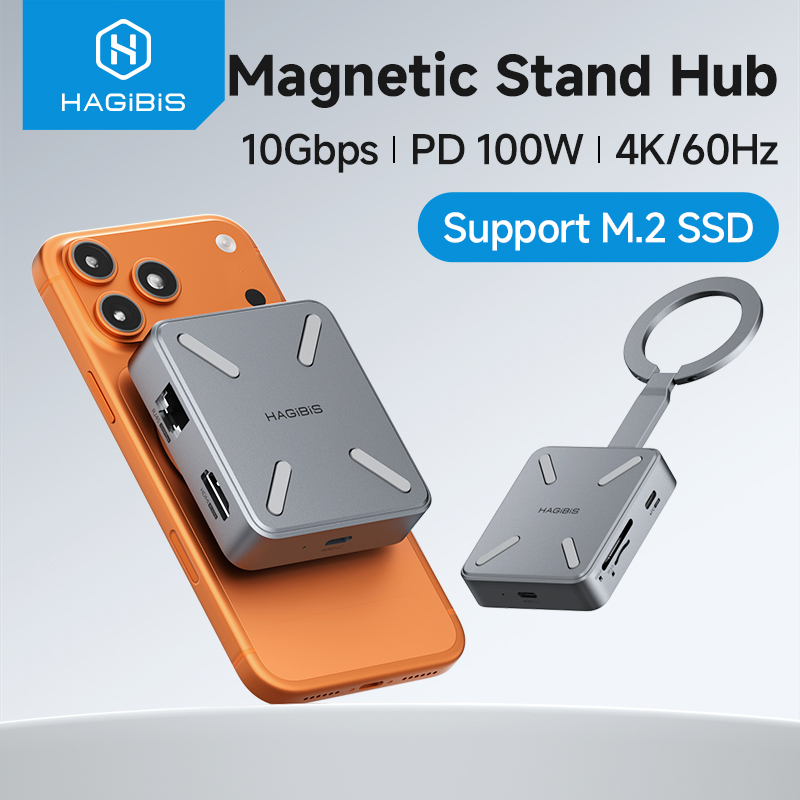
'PD 100W' is the maximum the port passes THROUGH to your laptop, minus roughly 15W the hub itself consumes. A hub advertising 100W PD typically delivers around 85W to the machine.
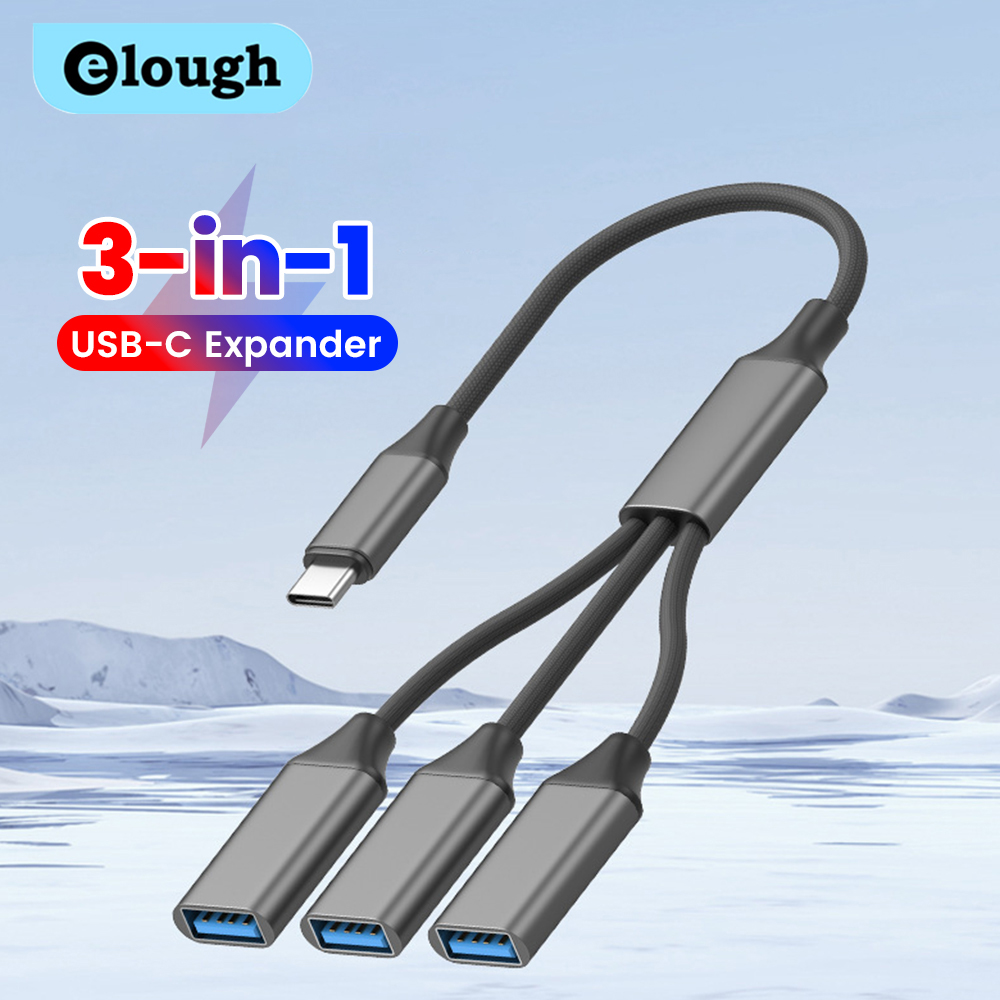
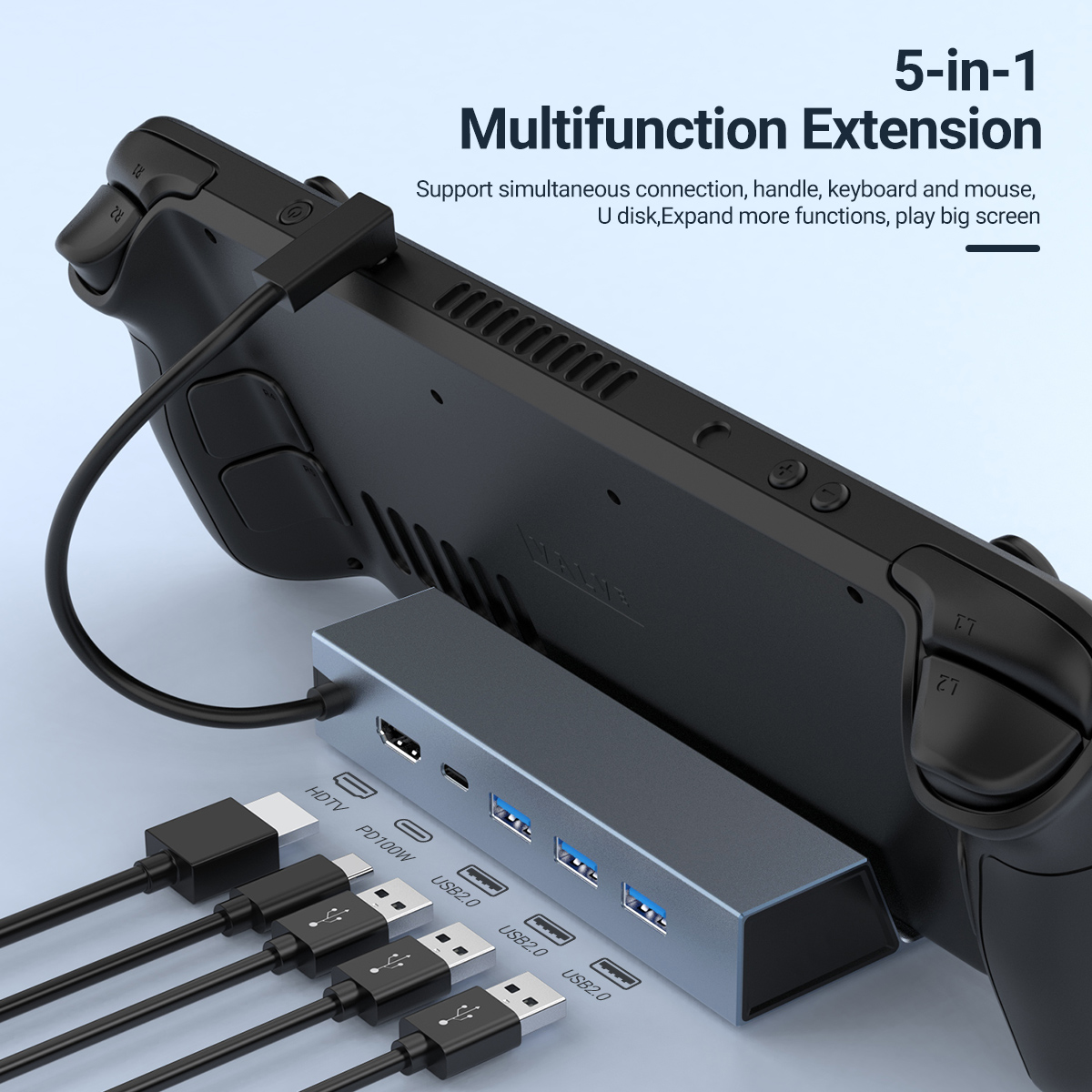
Most cheap hubs mix them: one or two 5Gbps USB 3.0 ports and the rest 480Mbps USB 2.0. That is fine for a keyboard and mouse, painful for an external drive. The listing images usually colour-code them blue and black.
Gigabit (1000Mbps) and 100Mbps ports look identical in photos. The spec table will say. At this price both exist.
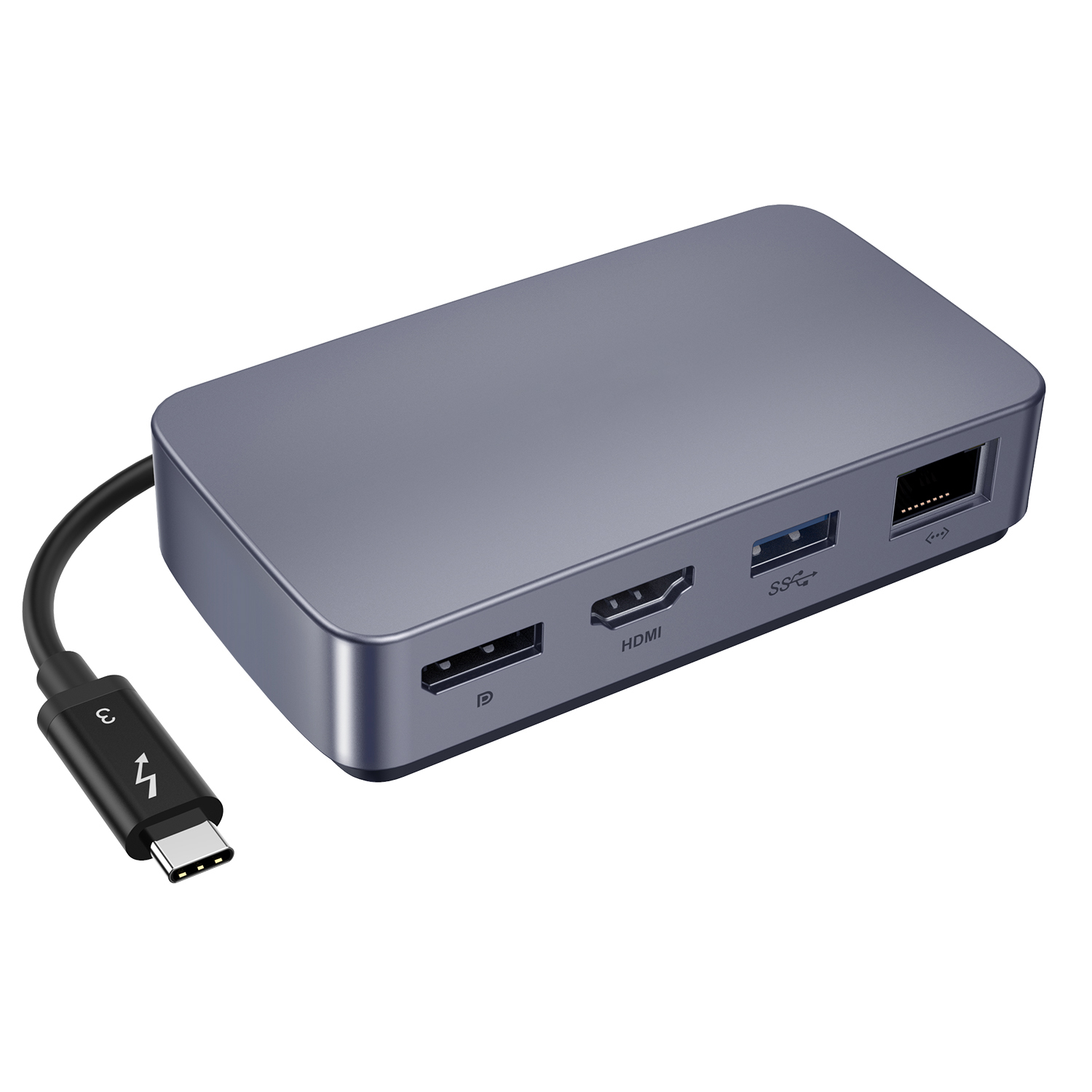
A short stiff cable pulls on your laptop port. Longer flexible ones sit better on a desk but sag. Listings state the length; photos rarely show it honestly.
Hubs & Docks under $50 currently run from $1.06 to $47.99, with most sitting around $15.43. Paying more inside that range usually buys better materials or an extra feature, not a fundamentally different product. 1 of the ones below is at the cheapest we have seen it go.
One thing worth knowing: the price shown on a listing is normally for its cheapest variant, while the photo often shows a higher-specified one. Select the option you actually want before judging the price.
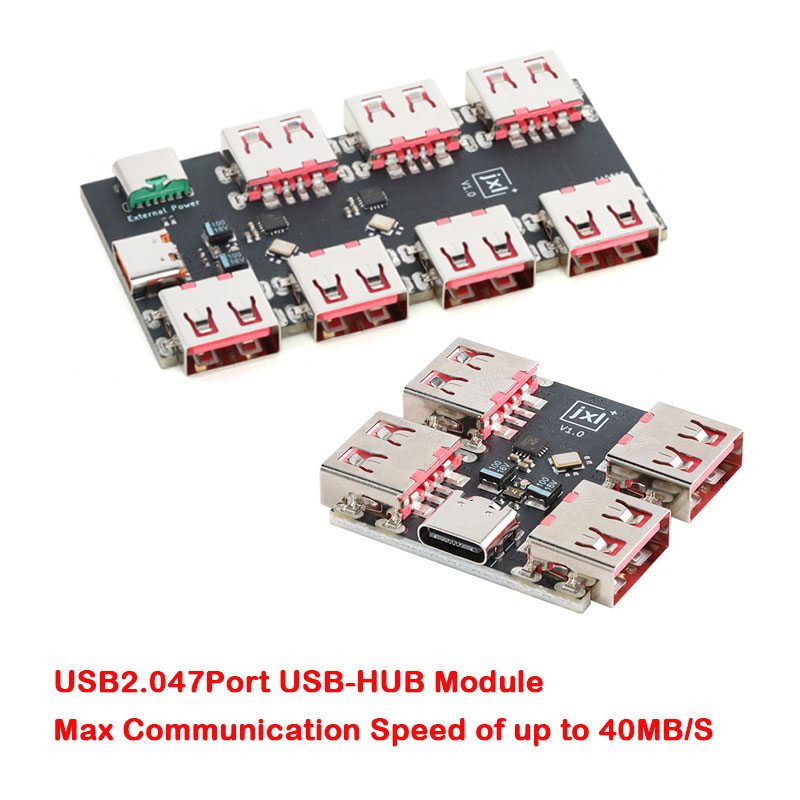
The cheapest listings under any 'USB-C hub' search are frequently barrel-plug power adapters — 5V/9V/12V USB-C PD to DC. They contain no hub at all. The full title always gives it away; the category label does not.
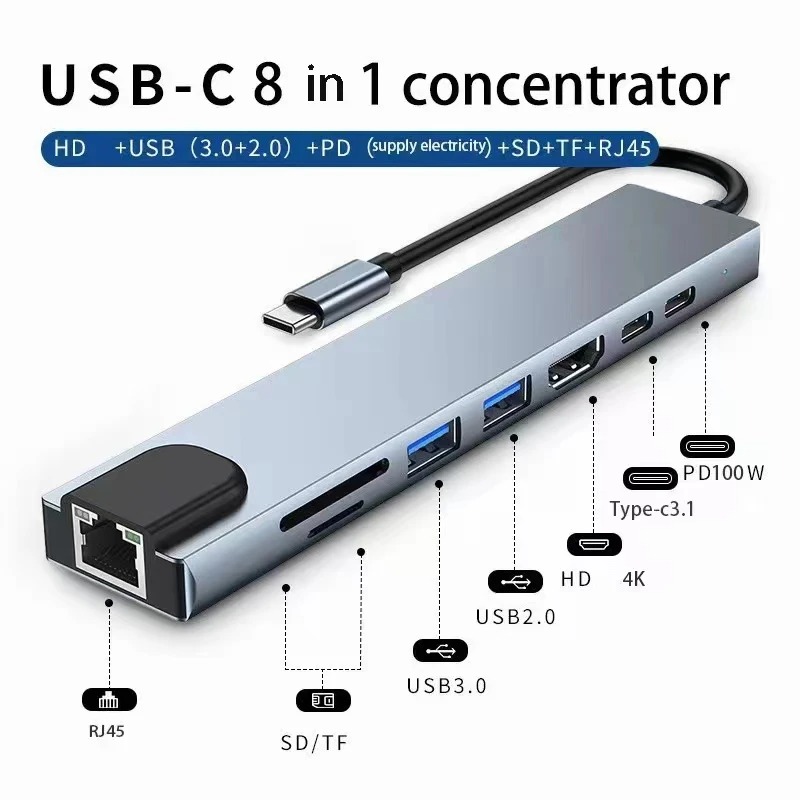
Resellers list identical units, often with the same supplier photograph, at very different prices. If a hub looks familiar, search the product image rather than the title before you buy.
Yes if it supports USB-C PD passthrough — check the listed wattage. 60W+ covers most ultrabooks. 100W is ideal for larger laptops.
Depends on the HDMI/DisplayPort count. One HDMI = one external display. Some hubs support dual monitors at reduced resolution.
Sorted cheapest first. Each links through to its full price history.